How to Make Bulk Transfers Easily with Safe Haven Web

You know that moment, end of the month, salary week, or bill payment day, and you suddenly realize you have to send money to multiple people. Maybe it’s your staff, your vendors, or those regular monthly bills that never miss a beat. Doing it one by one can be tiring and time-consuming.
especially when you open your banking app, and suddenly, you’re staring at a long list of people to pay. You take a deep breath, knowing you’re about to repeat the same process again and again, one transfer at a time.
Let’s be honest: doing that in 2025 feels like queueing at the ATM under hot sun just to withdraw ₦2,000.
That’s why we built Safe Haven’s Bulk Transfer: the smarter, faster way to send money to multiple accounts in just a few clicks.
What’s Bulk Transfer?
Bulk Transfer lets you send money to multiple accounts all at once in just a few clicks. Whether you’re paying salaries, funding several accounts, or settling different bills, this feature helps you do it efficiently and stress-free.
Here’s how to use it
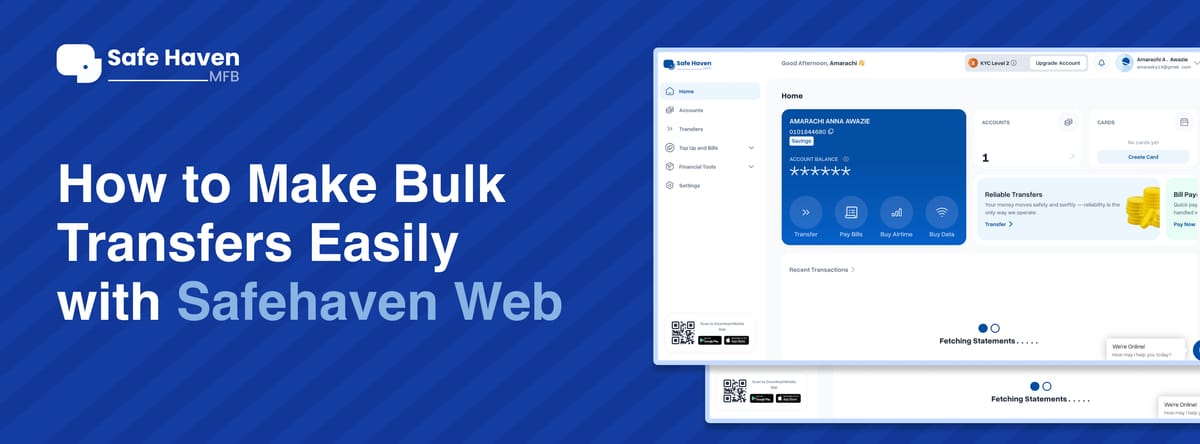
Login to your Safe Haven Web
Open your Safe Haven MFB web account and sign in as usual.
Click on “Transfer”
On your dashboard, locate and click the Transfer option.
Select “Bulk Transfer”
You’ll find this on the right-hand side of your screen. Click it.
Download the Bulk Transfer Template
A file (that looks like an Excel sheet) will be downloaded to your device.
Fill in the Details
Enter the names of the people you want to send money to, their account numbers, the amount, and an optional narration (like “Salary,” “Bills,” or “Payment for services” this is optional though).
Save and Upload
Once you’ve filled everything in, go back to your dashboard, click Upload File, and select the template you just filled.
Confirm and Send
Enter your PIN and hit Send.
Boom! Your bulk transfer goes through and you’ll be debited just once.
Why You’ll Love It
Saves time: No more repeating the same process for multiple people.
Stress-free: One upload, one PIN, and you’re done.
Reliable: Works every time you need to send to multiple recipients especially if it’s the same people each month.
So next time you have several transfers to make, skip the manual process. Log in to your Safe Haven Web, use the Bulk Transfer option, and let technology do the heavy lifting.
I know, right? You’re welcome