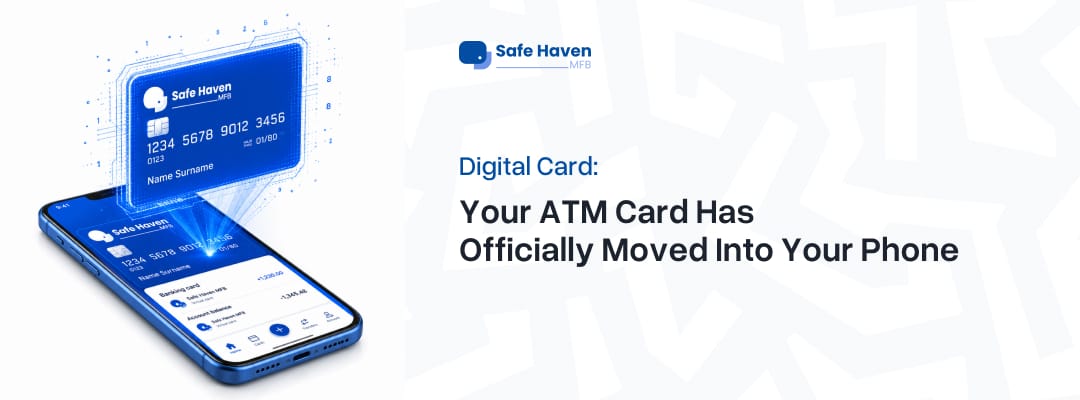
Digital Card: Your ATM Card Has Officially Moved Into Your Phone
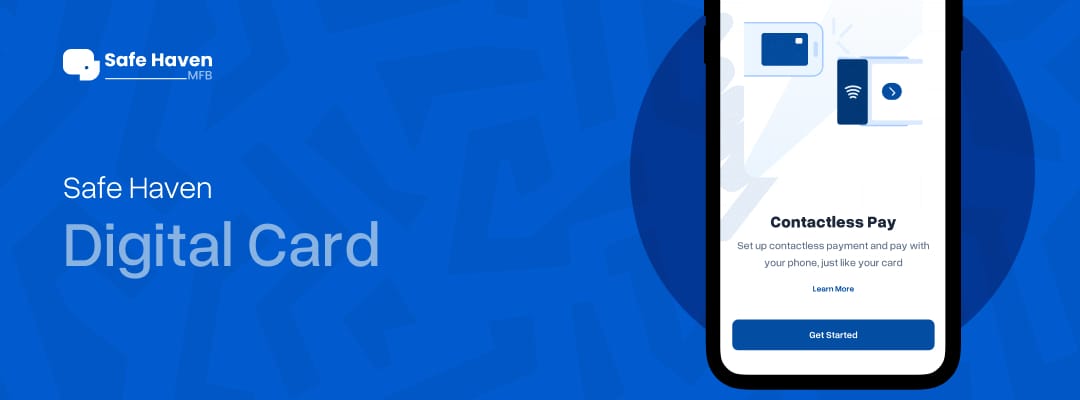
With the Safe Haven Digital Card feature, your phone can literally handle your payments through NFC or QR payments. No stress.

There are two types of people in this life: people who always know where their ATM card is (I'm yet to meet them though) and the rest of us (always misplacing them).
If you belong to category 2, welcome home.
Because why is your card always disappearing when it’s time to pay? One minute it’s in your pocket; the next minute it has entered the spirit realm. Suddenly you’re standing at the POS muttering:
“Wait… I swear it was here.”
Meanwhile, the queue behind you has already adopted anger issues. But thankfully, we live in the future now, and Safe Haven said, “What if your phone just became your card?”
Exactly.
With the Safe Haven Digital Card feature, your phone can literally handle your payments through NFC or QR payments. No stress. No searching every corner of your bag like you’re auditioning for a detective movie.
Just tap. Pay. Continue with your busy day, or you not busy sef.
So… What Exactly Is a Safe Haven Digital Card?
Think of it as your regular card but with:
- less drama,
- your physical card living peacefully inside your phone,
- and the sweet bonus of making payments without transaction charges: meaning you save more money while still looking techy and responsible.
Because honestly, paying extra fees just to spend your own money? In this economy? Safe Haven said absolutely not.
A Safe Haven digital card is the digital version of your physical or virtual card securely stored on your phone. This means your phone can work like your ATM card anywhere NFC or QR payments are accepted, and most of the POS machines you use are NFC-enabled.
Translation?
Your phone safely keeps your card in one place, so you don’t have to worry about forgetting it at home or losing it when you need to make payments. And the best part? Getting your digital card is easy; just follow these simple steps:
But wait... it gets even better.
As much as we love convenience, nobody wants the kind of convenience that comes with "Your account has been debited" when it wasn't even you.
That's why your Safe Haven Digital Card isn't just about tapping to pay; it's also designed to help keep your card details safer.
For starters, your actual card number (PAN) stays hidden during transactions, so you're not exposing your card details every time you make a payment.
You also don't have to hand your ATM card to a cashier or POS attendant anymore. We've all had that tiny moment of panic when someone walks away with our card for "just a second." With your digital card, your phone stays in your hand, and you stay in control.
And if you're the type that always asks, "Has anybody seen my ATM card?" every other week... congratulations, you've just retired from that lifestyle. Since your card lives securely on your phone, there's a much lower chance of losing it or having it stolen while you're out and about.
So yes, your phone isn't just replacing your wallet; it's helping you pay with more confidence, more control, and a little less anxiety.
Step 1: Download the App & Sign Up
Download the Safe Haven app from your Play Store and register your account.
Simple. If you already have a physical or virtual card on the Safe Haven app, skip to Step 3 because you’re already ahead of the class.
But if you don’t, no worries. We got you; you are also ahead, just from behind. To get your physical card on SafeHaven, read here. If you don't know how to create your virtual card, I got you; here you go.
Creating Your Virtual Card in a Minute
Once you log in:
- Tap Cards on your dashboard.
- Tap the plus (+) sign on the left side of your screen.
- Select Create Virtual Card.
- Choose between Afrigo or Verve.
- Tap Create Card.
Boom. Card created.
Step 2: Set Your Card PIN
Now go back to:
- Dashboard
- Tap Cards
- Under your virtual card, tap the three-dot icon
- Select Default Card PIN
Safe Haven will send your PIN, and you can change it to something memorable.
Please… and this is important… Don't use:
- 1234
- your birth year
Step 3: Turn Your Safe Haven Card into a Tap-to-Pay Card
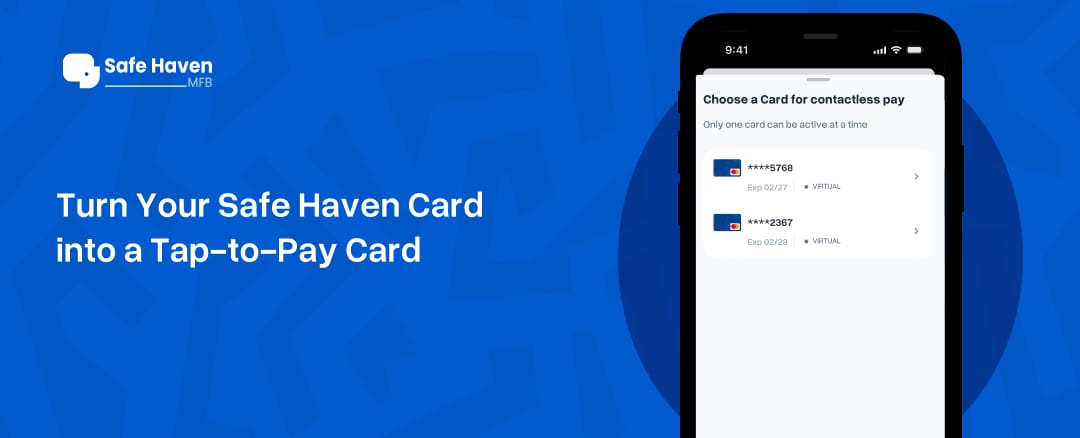
Now it's time to digitize your Safe Haven card so you can make contactless payments with just your phone.
- From your Safe Haven app home screen, tap Cards.
- Select the card you want to digitize (your physical or virtual card).
- Tap Set Up Contactless Pay (located just above the blue + icon).
- Tap Yes, Set Up to begin adding your card for contactless payments.
- On the next screen, tap Contactless. This will take you to your phone's payment settings, where you can choose your default payment app.
- Tap Yes, Make Default.
- You'll be taken to the Default Wallet App screen. Tap the Default Wallet app to view the list of available payment apps on your device.
- Select Safe Haven as your default payment app.
And just like that, you are ready to make a payment with your phone…
Why make Safe Haven your default payment app?
Setting Safe Haven as your default payment app means your phone will automatically use your Safe Haven card whenever you tap to pay at a contactless payment terminal. Don't worry—you can change your default payment app anytime from your phone's settings if you decide to use a different one.
Why This Feature Actually Ate
Safe Haven basically said, "Since you can’t drop your phone anyway or easily lose your phone, let’s make life easier.” And honestly? That’s innovation.
- No searching for your wallet
- Faster checkout
- Easy contactless payments
- Secure transactions
- Cleaner, stress-free banking
- Cheaper payment method
You literally tap and go. The future of banking is less stress and more convenience, and Safe Haven is making sure you’re not left behind carrying a wallet that looks like a mini Ghana-Must-Go bag.
Digitizing your card means:
- No extra cost for getting physical cards
- Faster and easier payments
- Instant access to your card anytime, anywhere
- Seamless and secure transactions
- No transaction costs with contactless payments
- And one more reason to love your phone even more.
So if your wallet has been stressing you lately… Maybe it’s time to promote your phone instead.
Download the Safe Haven app, digitize your card, and start tapping—easy peasy.