Security steps customers should take before paying

You’ve found what you want to buy, the price looks good, and you’re ready to pay. But wait a minute
Whether you’re paying with your phone, using your digital card, shopping online, or making a transfer, taking a few seconds to check things first can help protect your money and personal information.
Here are seven simple things to do before you hit Pay.
1. Make sure i you’re paying the right person
That “send money now” moment is not the time to rush. Double-check the recipient’s name, account number and payment details before confirming a transfer. If anything looks different from what you expected, pause and verify it first.
One small check can save you a very stressful phone call later.
2. Keep your PIN and OTP to yourself
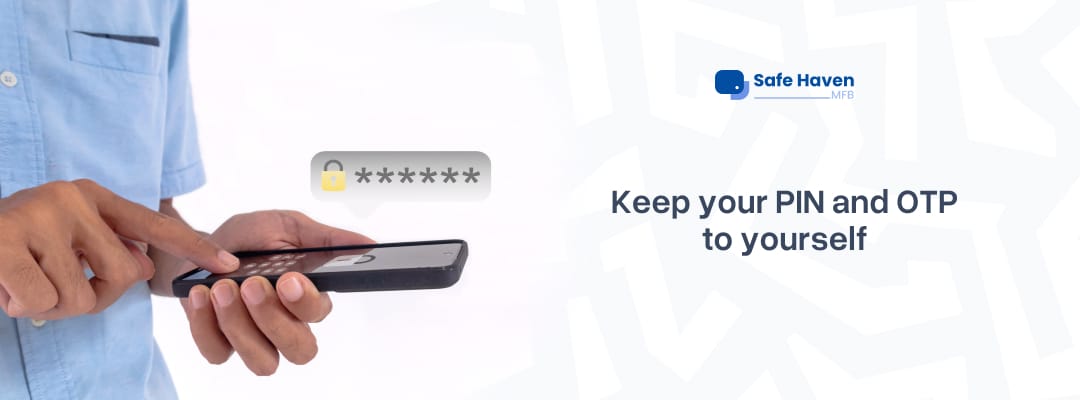
Your PIN is yours. Your one-time password (OTP) is yours too. No matter how convincing someone sounds, never share these details with another person over a call, text, email or social media.
Someone claiming to be customer support and asking for your secret codes? That’s a reason to be cautious, not a reason to hurry.
3. Check the website before shopping online
That unbelievable discount might be tempting, but take a moment to inspect the website. Check the web address carefully, look for spelling mistakes or suspicious links, and make sure you’re using the seller’s legitimate website.
A padlock or https:// helps indicate an encrypted connection, but it doesn’t automatically mean a website or seller is trustworthy. If the deal feels suspicious, it’s okay to walk away.
4. Give your phone a quick security check
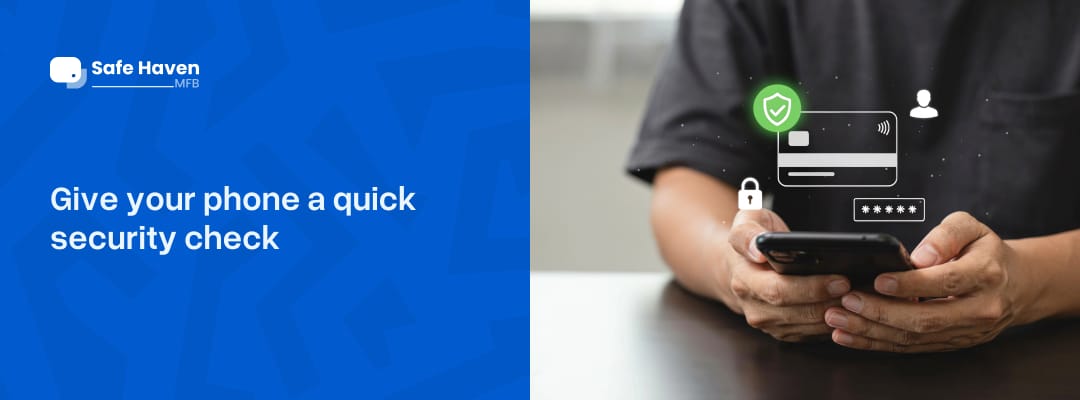
If you’re paying with your phone, make sure it’s locked with a strong passcode and that your banking app and phone software are up to date.
Avoid carrying out banking transactions on shared devices or unsecured public Wi-Fi when you can use a trusted connection instead. And please, don’t leave your phone unlocked with your banking app open for anyone to explore.
5. Look before you tap
Using a contactless card or phone? Make sure you’re at the correct payment terminal and that the amount displayed matches what you’re supposed to pay.
For phone-based payments, use a supported device and payment setup, and authenticate the transaction as required. If the terminal displays an unexpected amount or something feels off, stop and ask the merchant to check it.
Convenience is great. Knowing exactly what you’re paying for is even better. By the way to get your contactless card download your Safe haven and to get started
6. Never let anyone rush you into paying
“Pay now or lose the offer!” “Send the money quickly!” “Your account will be blocked if you don’t act now!”
Scammers often use urgency and fear to make people act without thinking. Take your time, verify unusual requests through official channels, and don’t click suspicious links or download apps someone sends you unexpectedly.
A genuine-looking message is not proof that the person behind it is genuine.
7. Check your transaction after paying
Once you’ve paid, check your banking app or transaction notification to confirm what happened. Make sure the amount is correct, and keep your receipt or transaction reference.
If something looks wrong, or you notice a payment you didn’t authorize, contact your bank immediately through its official support channels. The sooner you report a suspected problem, the sooner your bank can advise you on the next steps.
8. Shop owners, beware of the one-alert, two-people scam!
Imagine you're a shop owner. Someone comes in to buy something but asks for your account number, saying they'll go home and transfer the money.
A few minutes later, another person walks into your shop, collects your account details, makes a transfer and tells you the payment has gone through. You check your phone or POS, see a payment alert and give him the cash.
Then the first person returns. They show you their transfer details, including the exact time the money was sent. That's when you realize you've received only one payment, but you've handed over money to two different people!
How does this happen?
The two people are working together. The first person makes a genuine transfer, and the second uses that payment or its details to convince you they've paid too. You end up releasing funds twice for one payment.
How do you protect yourself?
- Always check your own banking app or transaction history to confirm that a payment has actually arrived.
- Match the payment amount, sender details and transaction reference to the specific senders alert.
- Don't rely on screenshots, someone else's alert or the exact time of a transfer as proof of a separate payment.
- If two people claim the same payment, pause the transaction and contact your bank through its official support channels before releasing more goods or making a refund.
Your money deserves a little attention
You don’t have to be a cybersecurity expert to make safer payments. Just slow down, check the details, protect your private information and pay attention to anything that feels unusual.
At Safe Haven, we want banking to fit into your everyday life. So whether you’re making a transfer or paying with your digital card, remember: check first, then pay.
Because the goal isn’t just to make payments conveniently. It’s to make informed decisions while protecting your money.
Bank smart. Stay alert. Keep your money safe.